Top Mapping Apps of 2026
Mapping software has come a long way from paper and pins. Today, anyone with a spreadsheet and an internet connection can turn location data into an interactive map in minutes, no GIS background required. But with more options comes more complexity. The best mapping tool for a GIS engineer isn’t the same one a sales manager needs to quickly visualize customer locations before a Monday morning meeting.
To help you find the right fit, we evaluated six of the top mapping apps of 2026 across five criteria: ease of use, speed of setup, value, collaboration, and flexibility.
How We Ranked These Tools
We scored each tool across the following criteria to reflect how people actually use mapping software day to day:
Ease of Use: How quickly can a non-technical user get from raw data to a finished map?
Speed of Setup: How long does it take to go from spreadsheet to published map?
Value: What do you get for the price? This considers cost, features included, users supported, and trial availability.
Collaboration: How well does the tool support teams? This includes sharing options, user limits, and whether maps can be viewed by non-subscribers.
Flexibility: How many map types and customization options does the tool support?
Side by Side Comparison
The table below shows how all six mapping tools compare at a glance. Each tool is covered in more detail below, including what it does well, where it falls short, and who it’s best suited for.
Overall
Scorecard
| Tool | Ease of use | Speed of setup | Value | Collaboration | Flexibility |
|---|---|---|---|---|---|
| BatchGeo | ★★★★★ | ★★★★★ | ★★★★ | ★★★★★ | ★★★★ |
| Maptive | ★★★★ | ★★★★ | ★★★ | ★★★★★ | ★★★★★ |
| eSpatial | ★★★★ | ★★★ | ★★★ | ★★★★ | ★★★★★ |
| Mapline | ★★★ | ★★★★ | ★★★★★ | ★★★ | ★★★ |
| Maptitude | ★★ | ★★ | ★★★ | ★★ | ★★★★★ |
| ESRI ArcGIS | ★ | ★ | ★★★ | ★★★ | ★★★★★ |
Pricing & Access
| BatchGeo | Maptive | eSpatial | Mapline | Maptitude | ESRI ArcGIS | |
|---|---|---|---|---|---|---|
| Starting price | $99/mo or $2,499/yr | $1,250/yr ($110/mo) | $1,495/yr | $330/yr | $695/yr | ~$700/yr |
| Try it free | Free tier (250 locations); 30-day refund on Pro | Full features, no CC required | 30-day trial | 7-day trial | Trial available | Trial available |
| Included users | 10 (25 on annual) | 1 | 1 | Talk to sales | 1 | 1 |
Features
| BatchGeo | Mapline | Maptitude | Maptive | eSpatial | ESRI ArcGIS | |
|---|---|---|---|---|---|---|
| Map base | Google Maps | Proprietary | Desktop and offline | Google Maps | Proprietary | Esri |
| Heat maps | Yes | Yes | No | Yes | Yes | Yes |
| Route optimization | Yes | No | No | Yes | Yes | Yes |
| CRM integration | No | No | No | No | Higher plan | Yes |
| No-code setup | Yes | Yes | No | Yes | Yes | No |
| Offline access | No | No | Yes | No | No | No |
| Embeddable maps | Yes | No | No | Yes | No | Yes |
1. BatchGeo: Best for Fast, No-Code Google Maps Customization
Interactive Maps Made Easy
Sign Up NowView full screen map
BatchGeo stands out as a user-friendly mapping tool built on top of Google Maps, so it feels instantly familiar to anyone who has used Google Maps before while layering on additional features on top. Its bulk mapping capabilities let businesses and individuals turn spreadsheet data into interactive maps in minutes, with no coding or technical setup required.
Not only was BatchGeo ranked #1 in both user satisfaction and popularity in G2’s 2023 GIS Software Awards, but it was also named a Mapping Leader in SourceForge’s Leader Awards in 2024.
The $99/month Pro plan supports up to 100,000 markers per map, along with heat maps, choropleth boundary maps, route optimization, Street View integration, and PDF, PNG, and KML export. Ten users are included at a flat monthly price, making team access and collaboration more straightforward than most tools on this list.
2. Mapline: Best for the Basics
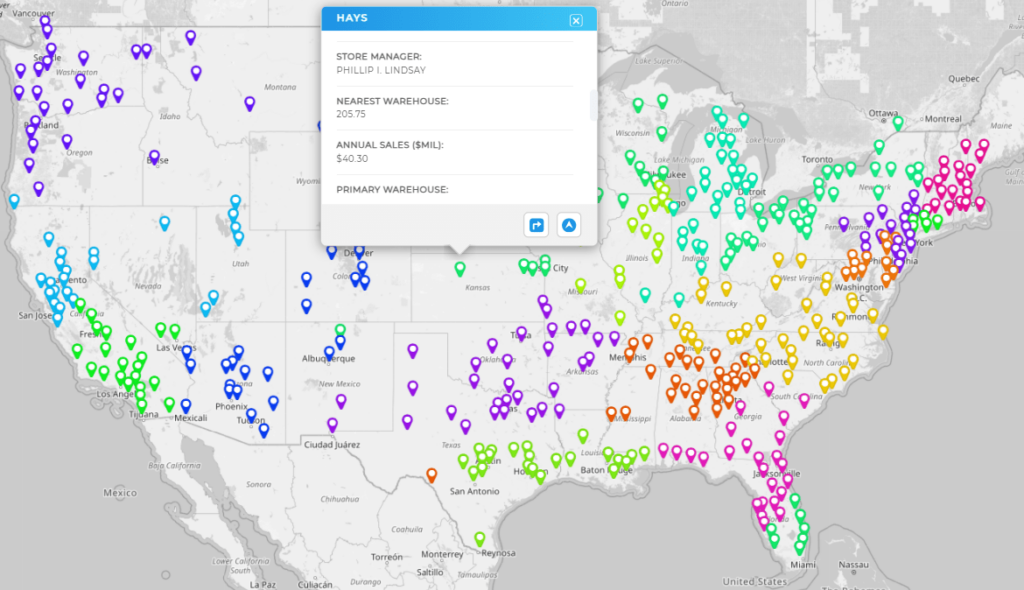
Mapline is a straightforward option for teams that need basic mapping without a large budget. Its entry-level plan at $330/year per user lets you plot locations from a spreadsheet, create territory and heat maps, and draw coverage radius areas. The Pro plan at $660 per year adds custom territories and additional analytical tools.
The platform uses a proprietary map interface rather than Google Maps, which some users find less intuitive than tools built on a familiar base. Data import is handled through copy-paste from Excel or Google Sheets, and pins update dynamically based on your spreadsheet columns. Route optimization and CRM integrations aren’t available, making Mapline best suited to smaller teams with straightforward visualization needs rather than complex field operations.
Mapline does the basics well at a price point that works for small teams who are just getting started.
3. Maptitude: Best for Desktop and Offline Mapping
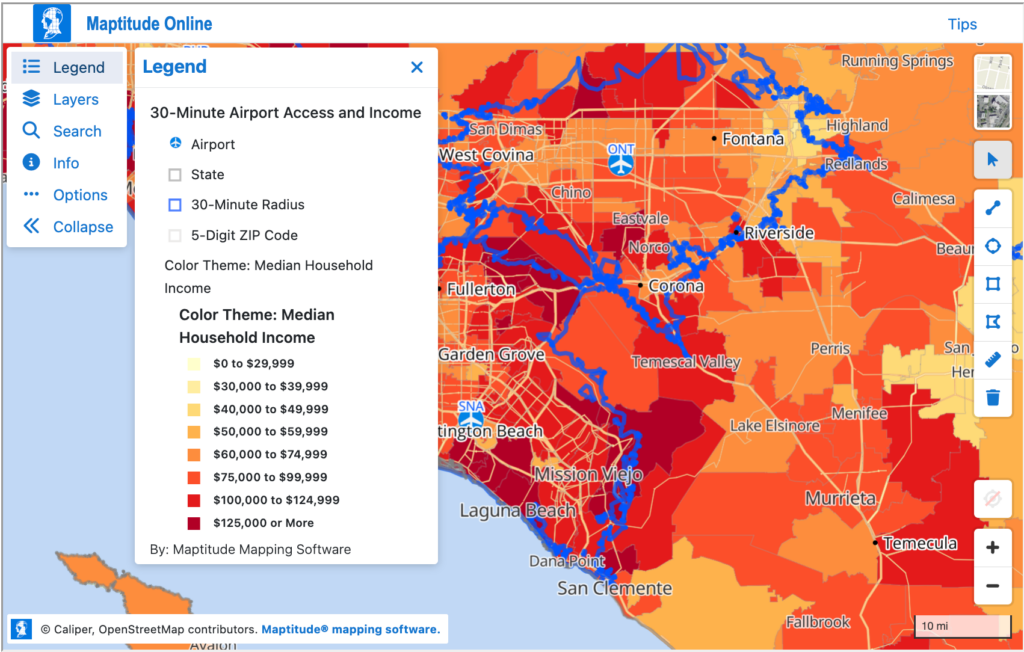
Maptitude takes a different approach from every other tool on this list. It’s primarily a desktop application, which means most of the work happens locally on your computer rather than in a browser. This comes with a genuine advantage: Maptitude can run completely offline, making it a strong choice for organizations that work with sensitive data, or in environments without reliable internet access.
The platform supports unlimited geocoding, territory management, drive-time analysis, route planning, and a wide range of GIS features. The learning curve is steeper than web-based tools, and users consistently note that the interface can take time to master. At $695 per year per license, it occupies a middle ground between the simplicity of tools like BatchGeo and the enterprise complexity of ESRI ArcGIS.
4. Maptive: Best for Sales Territory Maps
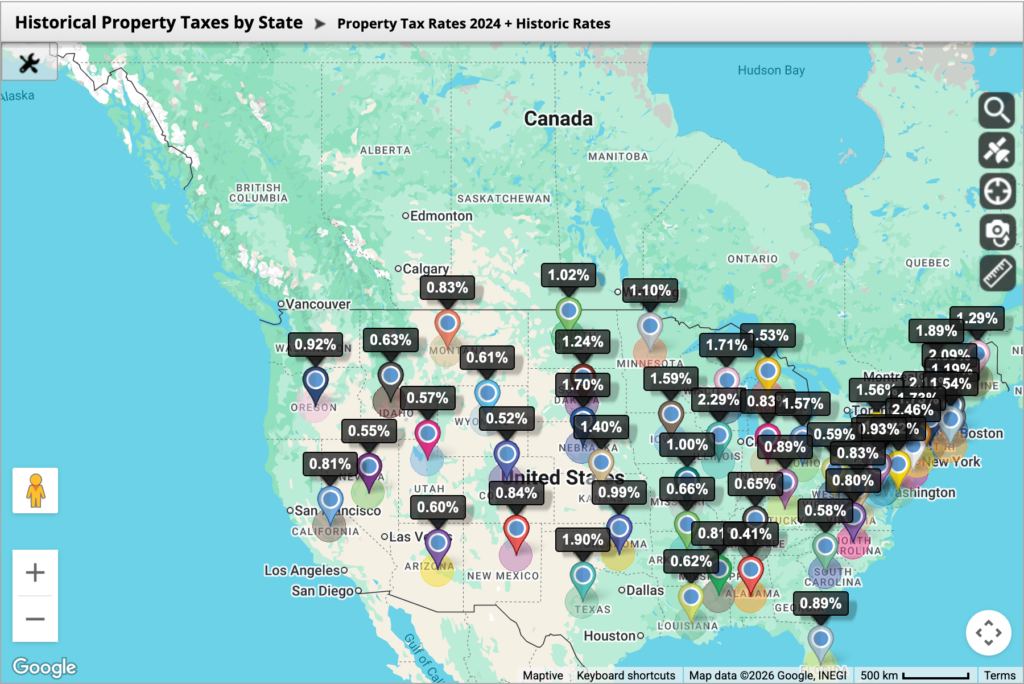
Maptive is another mapping platform built on Google Maps that goes beyond basic pin mapping. It’s ideal for sales territory management, offering both manual and automated territory creation with boundary drawing, polygon tools, and workload balancing across multiple metrics.
The platform supports route optimization for up to 73 stops per trip, heat maps, demographic overlays, and drive-time analysis. All core features are available on every plan with no tiered restrictions, which is unusual in this category. The Individual plan starts at $1,250 per year, with the Team plan at $2,500 per year adding map collaboration and additional users.
5. eSpatial: Best for Enterprise Sales Operations
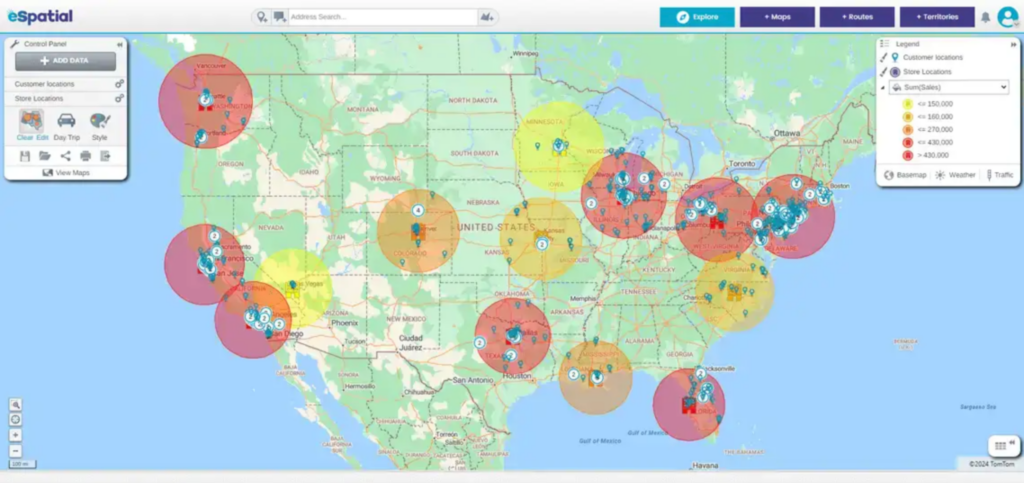
eSpatial is a mapping platform built specifically for sales, marketing, and operations teams. The platform is designed around territory management and route optimization, with tools for building, balancing, and analyzing sales territories and planning multi-stop routes up to 20 days in advance.
The base plan at $1,495 per year includes heat maps, route optimization, drive-time analysis, and a range of visualization tools. Salesforce integration is available on higher plans. Even though the platform has a steeper initial setup than simpler tools, eSpatial’s support team is consistently praised across user reviews for getting users up and running quickly.
6. ESRI ArcGIS Online: Best for Professional GIS
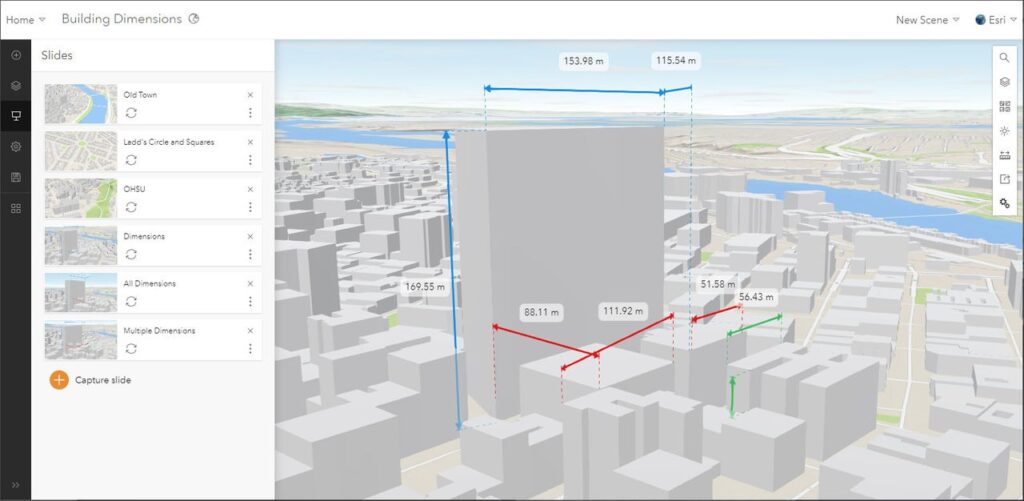
ESRI ArcGIS Online is the recognized industry standard for cartography and GIS, used by professional GIS engineers, government agencies, and large enterprises worldwide. It offers an unmatched depth of spatial analysis tools, from precise geolocation and advanced analytics to support for dozens of data formats including shapefiles, GeoJSON, KML, and CSV.
Interactive Maps Made Easy
Sign Up NowFor organizations that need maximum map customization, enterprise-grade data management, or sophisticated spatial analysis beyond what any other tool on this list can provide, ArcGIS is the answer. Pricing starts at around $700 per year per user, and costs increase as you add feature capabilities. The tradeoff is a steep learning curve that demands significant time investment, and a complex credit-based pricing structure that can be difficult to forecast.
ArcGIS is the right choice for dedicated GIS professionals. For most business mapping needs, the tools above it on this list will get the job done with less friction.
Choosing the Right Mapping App
When selecting a mapping app, there’s no shortage of options. Mapline, Maptitude, Maptive, eSpatial, and ESRI ArcGIS Online are all excellent choices for specific requirements. However, BatchGeo stands out as the most user-friendly and intuitive solution on this list. Its seamless integration with Google Maps and no-code setup make it the fastest way to turn your data into a shareable, interactive map.Give BatchGeo a try and make Google Maps work for you — with embeddable maps, fast geocoding, route optimization, password protection, PDF support, and more.